Quick Tip- Make Multiple Copies Of An Item In Design Space

 
There are two ways to make multiple copies of items for a project in Design Space.

One is to use the Duplicate option.  Select your item, choose duplicate.  If you are creating a lot of copies, make sure to select all between duplicating - so you duplicate, then select the two items, duplicate, then select the 4 items, duplicate, select the 8 items, etc.

OR - much faster and easier, hide all but the item you want to make multiple copies of.

Now click make it.

On the top of the screen, look for the "project copies" area.  Change the number to the number you need cut.  Make sure to click Apply once you change the number, and you will see the number of items change on the mat - 

======================


Kids Craft - A Sunflower Card

 
A Quick & Easy Sunflower Card - A Cricut Kids Craft

These cards would be quick and easy for a scout group, or classroom, to make for nursing home patients this fall.

Supplies:

  • Yellow Card stock
  • Brown Card stock
  • Green Card stock
  • Possibly - Black Card stock
  • Glue Stick
  • Foam Tape or Pop Dots
  • Free SVG for center piece

In Design Space:

For this project, you will want to cut:
One 3.5 inch circle, yellow
Two 2.55 inch circle, Dk Brown or Black
One 2.5 Inch Circle with holes, in Brown
One rectangle 3.5 x  0.75 (use the square, and click on the lock to resize), Green
One 2 inch circle, green
Nine 2 inch circles, yellow.

For the "Seeds" circle:
2.5 inches, dark brown
Either create your own circle, then add smaller circles and slice or attach


For the 9 Yellow Circles:
Either Duplicate to create 9 circles, OR, hide everything but the circle, click make it, and then at the top tell cricut to cut 9 copies of your project.

Quick tip - if you need cricut to cut 9 circles, you do not need to create 9 circles in Design Space. Create one - then click make it. At the top, change the "Product Copies" to 9, then apply.

Putting It Together:

Fold the sides in on each of the 2 inch circles, forming a "pizza slice" shape.

Glue down the large yellow circle and stem, then add the folded "pizza slices" around the larger circle.

Add foam tape, or pop dots, in the center
(You can find these at the Dollar Tree!)

Then add the remaining circles to your card.


===================


Free Halloween Fonts

 
Halloween Fonts
Related Links:
Commercial Use
Halloween Themed Fonts
================


==============
Personal Use
HALLOWEEN FONTS
===========


Dafont has an entire category of Halloween Fonts
Find It Here:


==============
NOT FREE
============

=================

Where To Find Loads Of Free Fonts
=====================


Where To Find Free SVGS For Halloween Costumes

Where To Find Free SVGS For Halloween Costumes
Related Links:

Free SVGS For Halloween Paper Crafting With Cricut

 
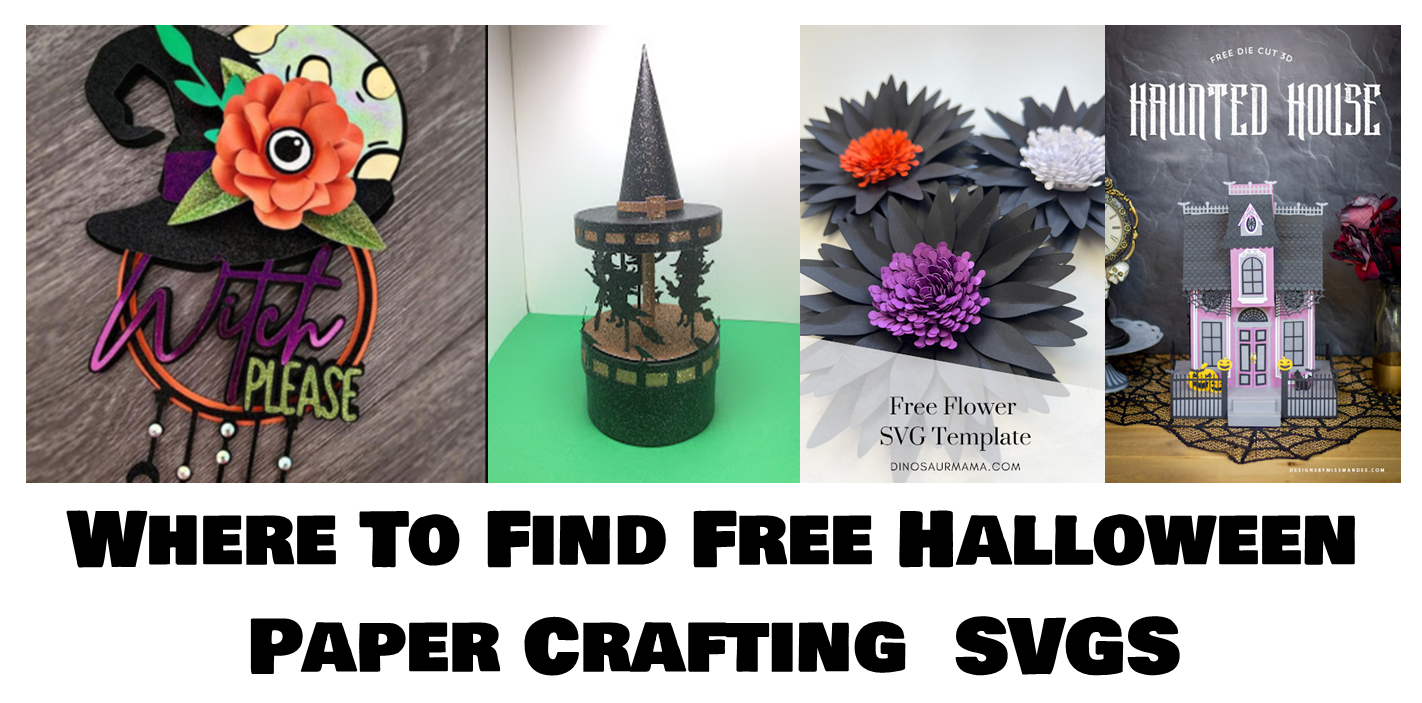
Where To Find Free SVGS For Halloween Paper Crafting